Once you receive the invitation for the patient portal, follow these steps to complete the process:
- Click the blue link in the invitation text message you received, or the "Get Started Now!" button in the email.
- Click "Set password".
- Verify your profile information and create your password.
- Click "Proceed to Log in".
- Log in to the portal using the email and password you set.
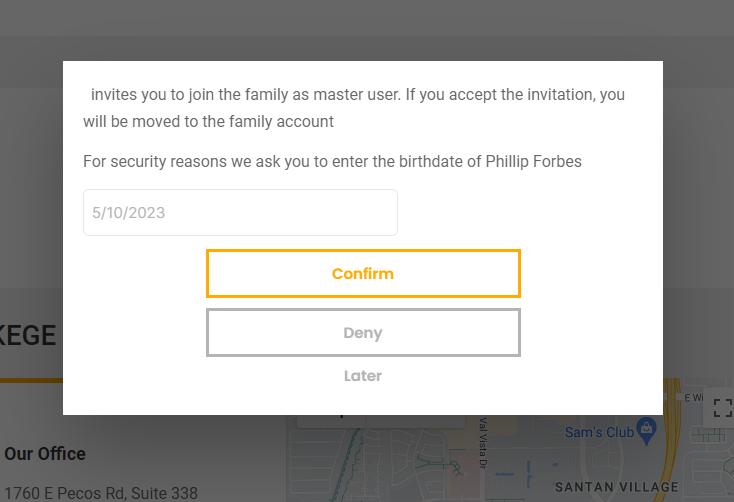
- Follow the security validation prompt by entering the birthdate requested.
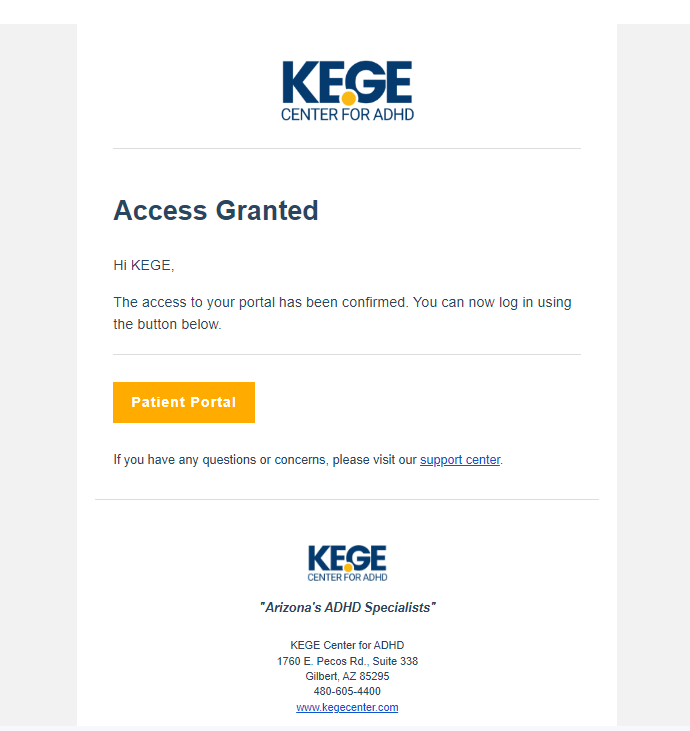
- KEGE Center will verify the birthdate and confirm your access. You will receive an email once confirmed.
- Log in.
Here is a step-by-step visual guide.
Step 1:
Click the blue link in the invitation text message you received, or the "Get Started Now!" button in the email.
Hello, You have been invited to join the KEGE Center patient portal. Please click the link below to accept the invitation: https://my.kegecenter.com/invite/1683741...
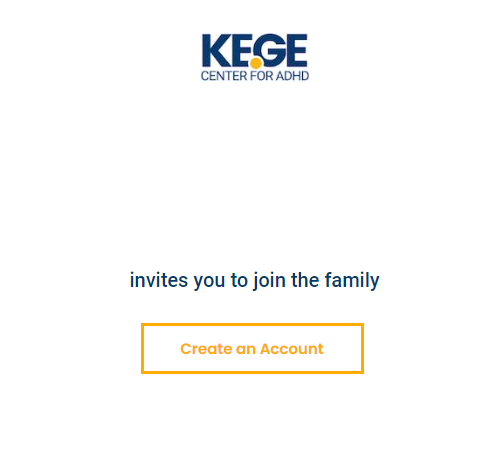
Step 2:
Click "Set password".
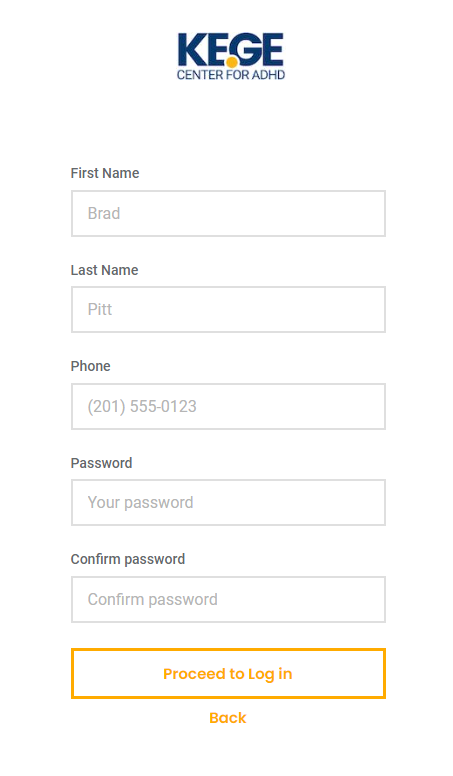
Step 3:
Verify profile information and create your password.
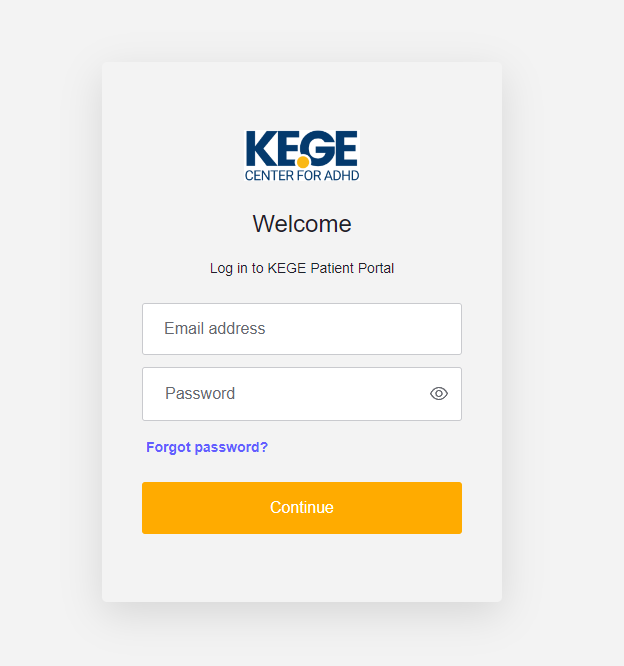
Step 4:
Click "Proceed to Log in".
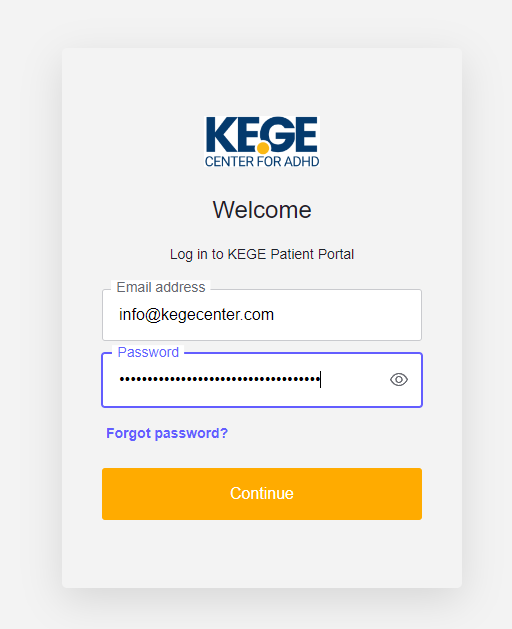
Step 5:
Log in to the portal using the email and password you set.
Step 6:
Follow the security validation prompt by entering the birthdate requested.
Step 7:
KEGE Center will verify the birthdate and confirm your access. You will receive an email once confirmed.
Was this article helpful?
That’s Great!
Thank you for your feedback
Sorry! We couldn't be helpful
Thank you for your feedback
Feedback sent
We appreciate your effort and will try to fix the article